Skills
Nova is built on a skill-based architecture. Instead of hardcoded integrations, every external capability is a self-contained skill that Nova can discover and use. Skills work across all interfaces — Nova Cloud, astroctl nova, and Slack.
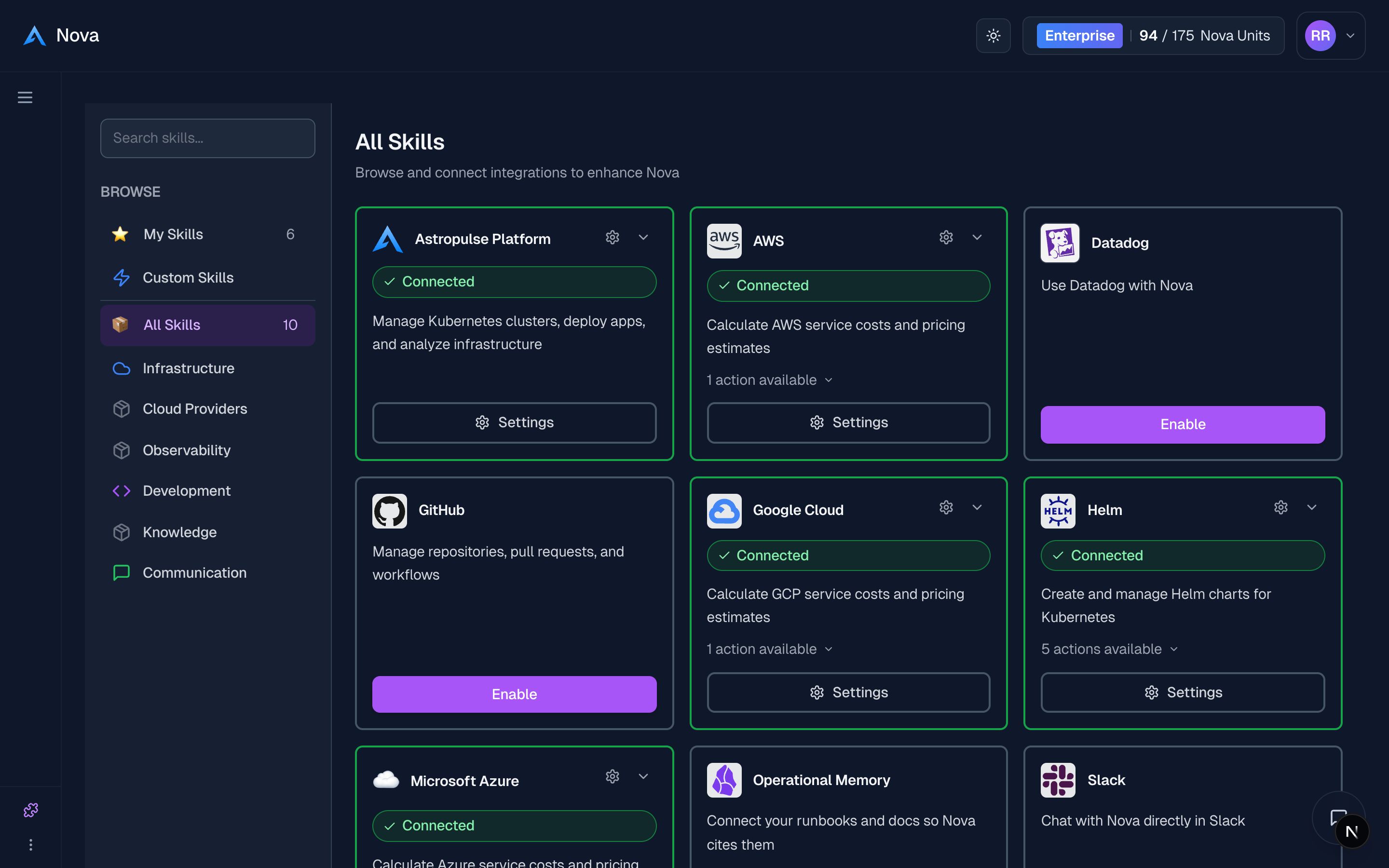
Enable Skills
- Go to Open Nova →
- Click Skills in the sidebar
- Find the skill and click Enable
- Authorize if prompted (OAuth where supported)
- Start using — the skill is available across all Nova interfaces
Available Skills
Cloud Cost Calculator
Calculate costs across AWS, Google Cloud, and Azure.
"How much would 10 t3.medium instances cost per month in us-east-1?"
Slack
Use Nova from Slack — @mention Nova in any channel or DM. Nova can also send messages, search channels, and create channels on your behalf.
"@nova what's the status of the payments cluster?"
GitHub
Search code, view issues, and explore repositories.
"Find all open issues labeled bug in our infrastructure repo"
Infrastructure Tools
Generate Terraform, Helm, and Kubernetes configurations.
"Generate Terraform for an EKS cluster with 3 node groups"
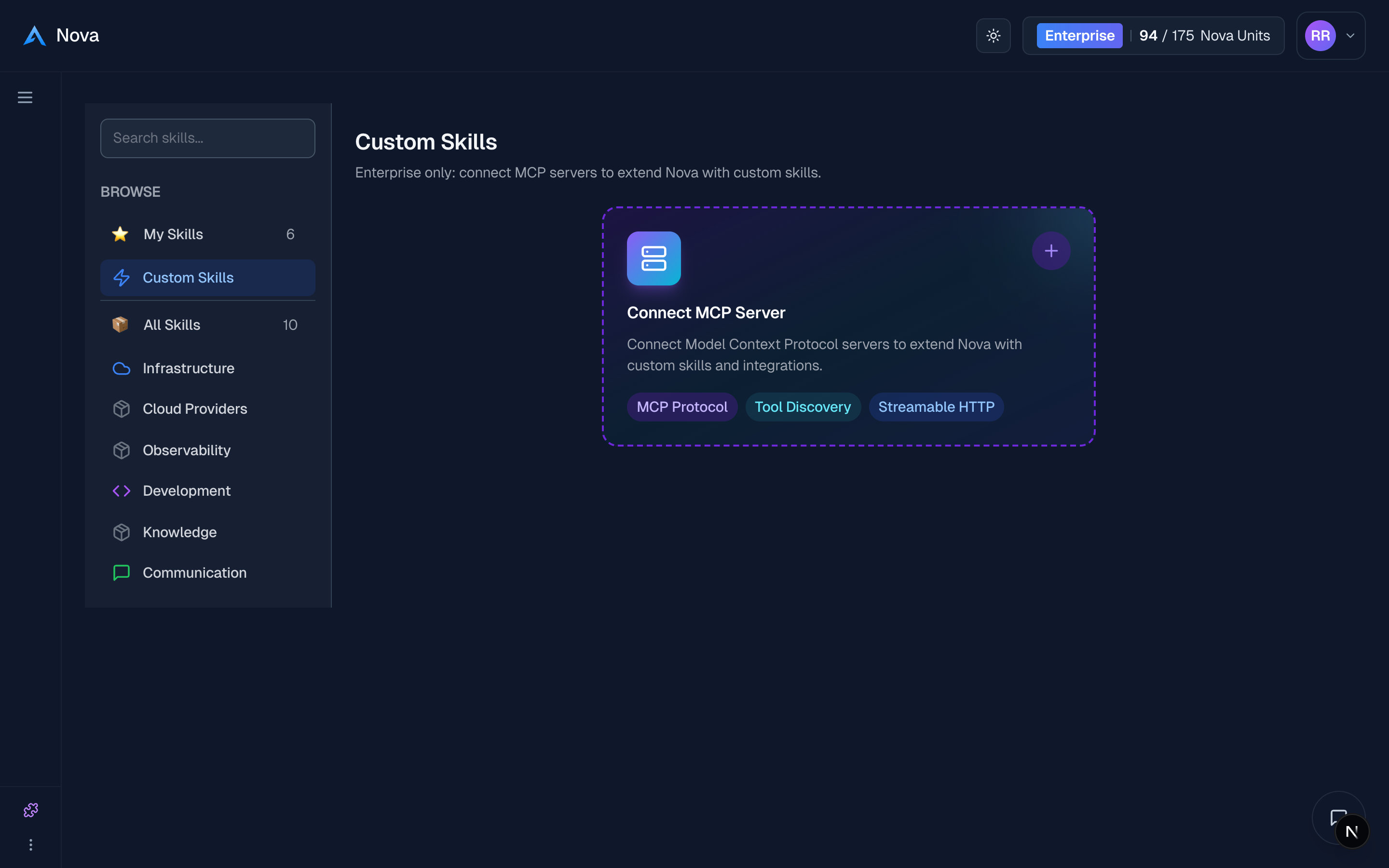
Bring your own MCP server
Connect any remote MCP server as a skill — no code, in a couple of minutes. Nova discovers its tools and uses them like any built-in skill. See Custom MCP Servers.
"Add my team's internal MCP server and use its tools."
How Skills Work
A skill connects Nova to a tool you already use, such as a cloud provider, Slack, GitHub, or your own internal service. Each one gives Nova a set of actions it can take for you.
There is nothing to configure. When you ask Nova to do something, it picks the skills that fit the request and uses them automatically. Connect a skill once and it is ready in every conversation.
Your credentials stay yours. Where a service supports it, you sign in with that provider directly, so Nova works only with the access you grant. You can revoke that access at any time from the Skills panel. Your credentials are never shared with the AI model: it can ask a skill to act, but it never sees the keys behind it.
More Skills
We're adding more skills regularly. Check the Skills panel in Nova for the latest.