Deploy an Application
Once you have an application profile and a source, deploying is a single declarative step: you describe the application you want and the platform creates it, places it on the profile's cluster, and keeps it running. The same operation both creates a new app and updates an existing one, so it is idempotent.
Deploy from whichever surface fits how you work. All three drive the same platform and enforce the same validation, so the result is identical.
Deploy or update
Console
In Applications, choose Deploy Application and follow the guided wizard, Basic Info → Profile → Deployment → Notifications → Review, to pick a source type, point it at your artifact (image, Helm chart, Git repository, or YAML), select a profile, and deploy, without writing any YAML.
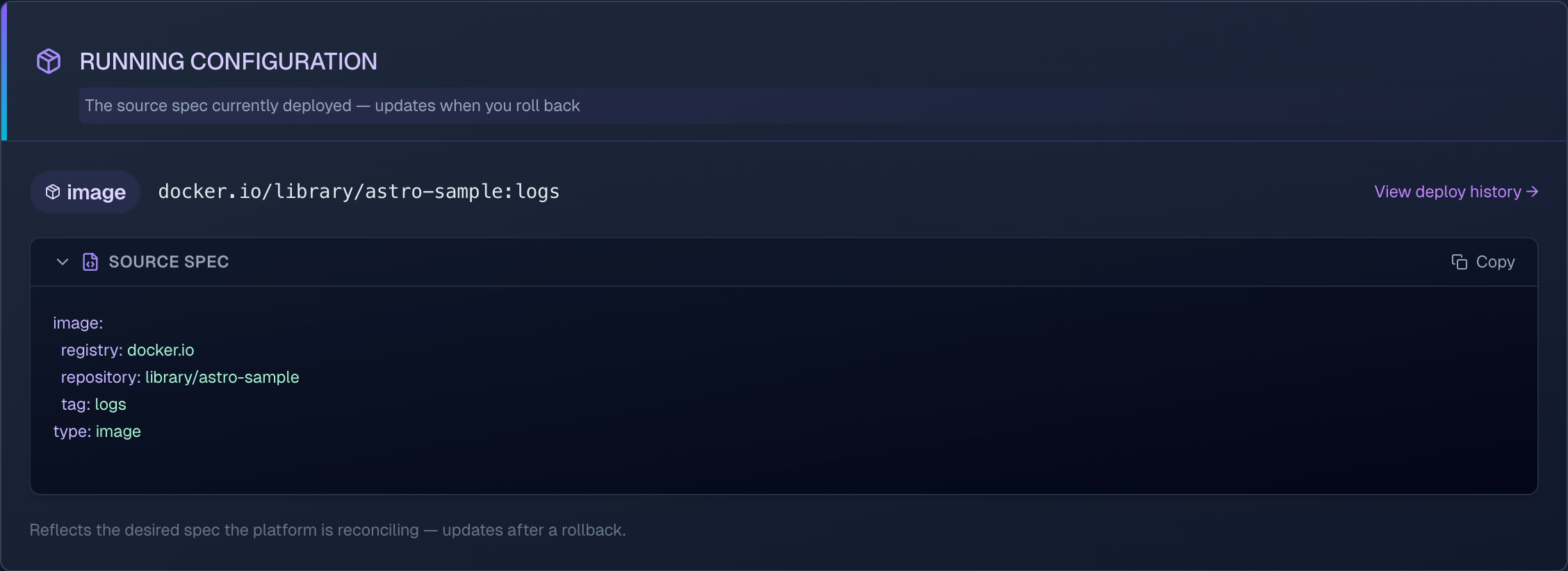
Once deployed, the application's detail view shows live status, events, and logs, the running configuration (the source spec currently deployed), and a History of every version.
CLI
Describe the app in a manifest and apply it. The same command creates or updates:
# application.yaml
apiVersion: platform.astropulse.io/v1
kind: Application
spec:
  name: myapp
  profileName: my-profile        # required — sets the target cluster and tier
  source:
    type: image
    image:
      repository: myrepo/myapp
      tag: v1.0.0
astroctl app apply -f application.yaml             # create or update
astroctl app apply -f application.yaml --dry-run   # validate only, nothing is deployed
cat application.yaml | astroctl app apply -f -      # read from stdin
Re-applying with a new tag or chart version rolls the app forward to that version, and every apply is recorded. See the astroctl app apply reference for all flags.
--dry-run checks the manifest and the target cluster without changing anything, so you can catch problems in CI before they reach production.
Nova
Ask in plain language, for example "deploy myapp from this manifest" or "update myapp to v1.2.0." Nova validates and applies through the same governed flow, then can show you status, logs, and history. See One AI, Any Interface for how Nova reaches you across chat, your editor, and the CLI.
Watch the rollout
Follow progress from the app's detail view in the console (Events and Logs tabs), or the CLI:
astroctl app get myapp        # current status
astroctl app events myapp     # deployment and Kubernetes events
astroctl app logs myapp       # live logs
The console brings it together in one place: status, events, live logs, deploy history, and resource metrics:
You can also ask Nova to show an application's status, events, or logs at any time.
Next steps
- Roll back or review deploy history if a release misbehaves
- Troubleshoot a deployment if it isn't healthy
- Choose an availability tier for scaling and placement (image source type only)